CDNCA Community Edition
CDNCA Community Edition manages your own CDN edge nodes, site configuration, caching, TLS certificates and traffic logs from a single web console
Overview
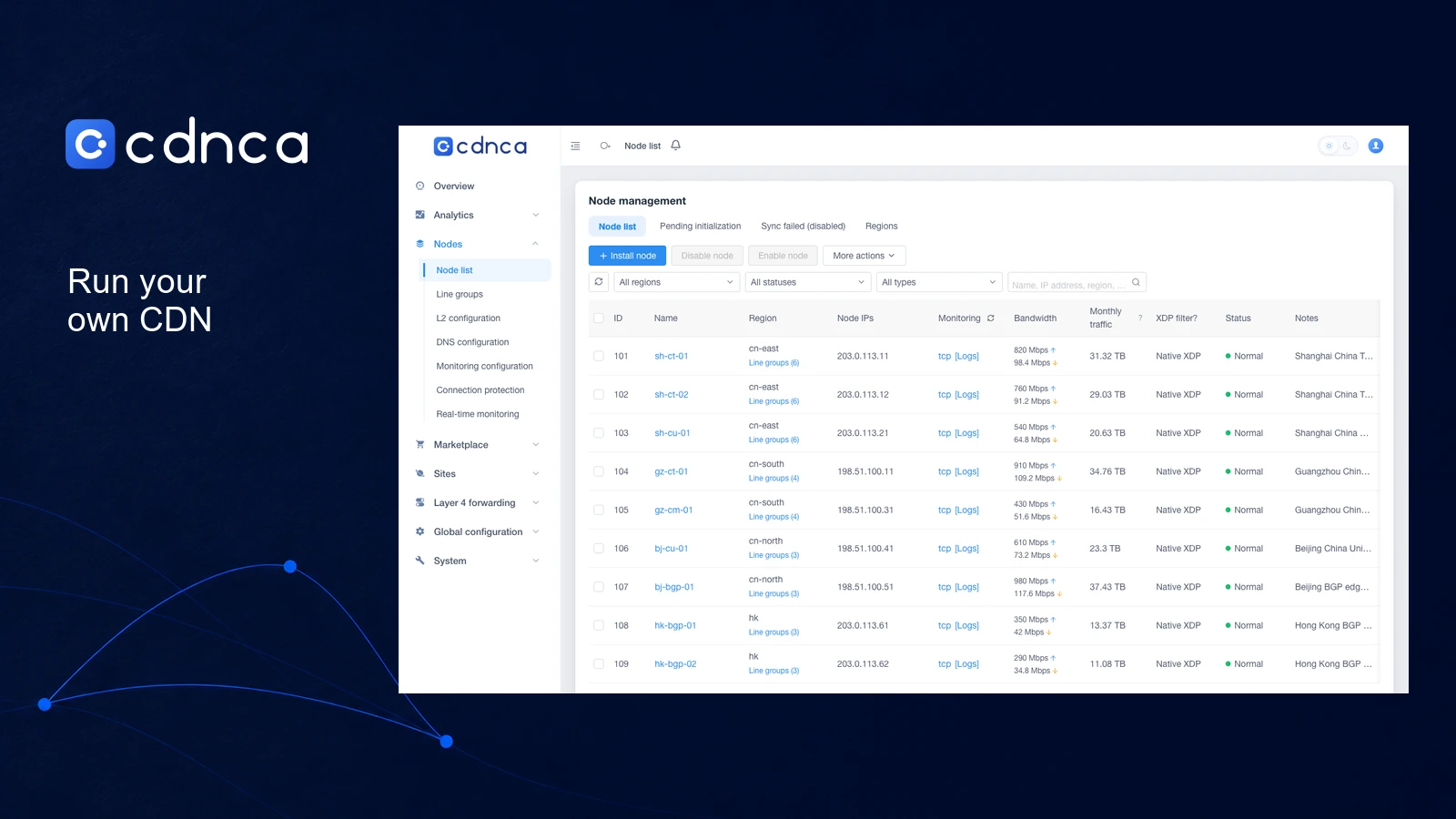
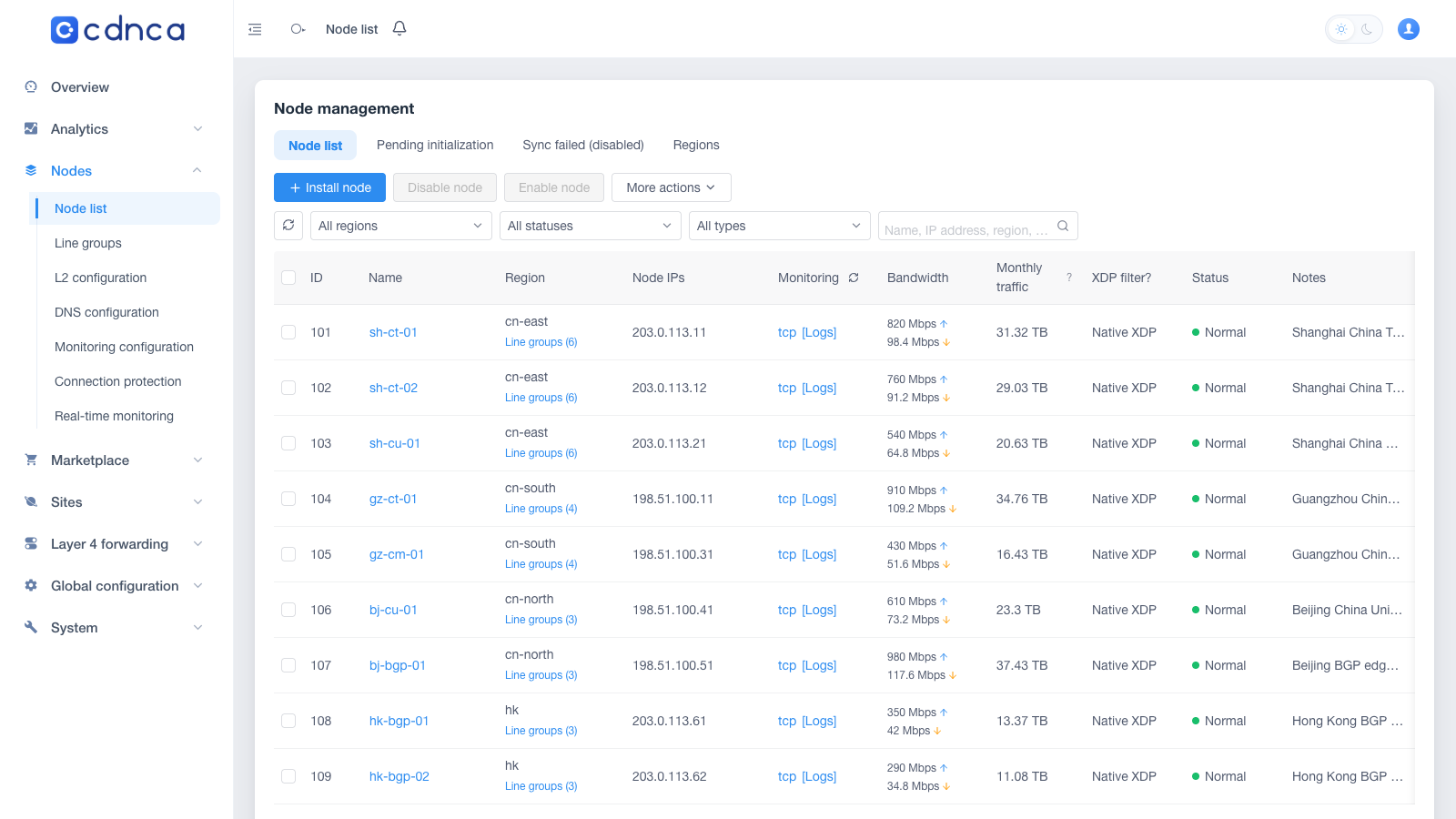
CDNCA Community Edition gives you a web console for running a content delivery network on your own servers. Add a site, set its origin and cache rules, then push that configuration to your edge nodes. The nodes fetch content from the origin and serve visitors. You can purge a cached file after a release or check which nodes received the latest site configuration without signing into each server.
The control plane and edge nodes run separately. The documented setup uses two x86_64 Linux servers to get your first site online, with Ubuntu 24.04 as the official platform. The installers require root access. You handle DNS, server updates and bandwidth, and you install a new release package to upgrade the Community Edition.
The free Community Edition needs no activation for your own nodes. It includes automatic certificates, cache prewarming, firewall rules and traffic logs. Official rule packs can cost extra, and marketplace access requires registration. Commercial features include billing and failover across external CDN providers.
This fits a small hosting team that already operates several servers and wants one place to manage them.
By default, the control plane sends an installation ID, version and node and site counts to CDNCA after setup and weekly thereafter. Set COMMUNITY_REPORT_URL=off to disable that report.
Deployment Strategy
Recommended ways to host CDNCA Community Edition in your own environment.