LibreDB Studio
A self hosted browser database IDE for 41 engines, with shared access, OIDC, audit logs, relationship diagrams and encrypted server storage
Quick Start
docker run -p 3000:3000 libredb/libredb-studio Overview
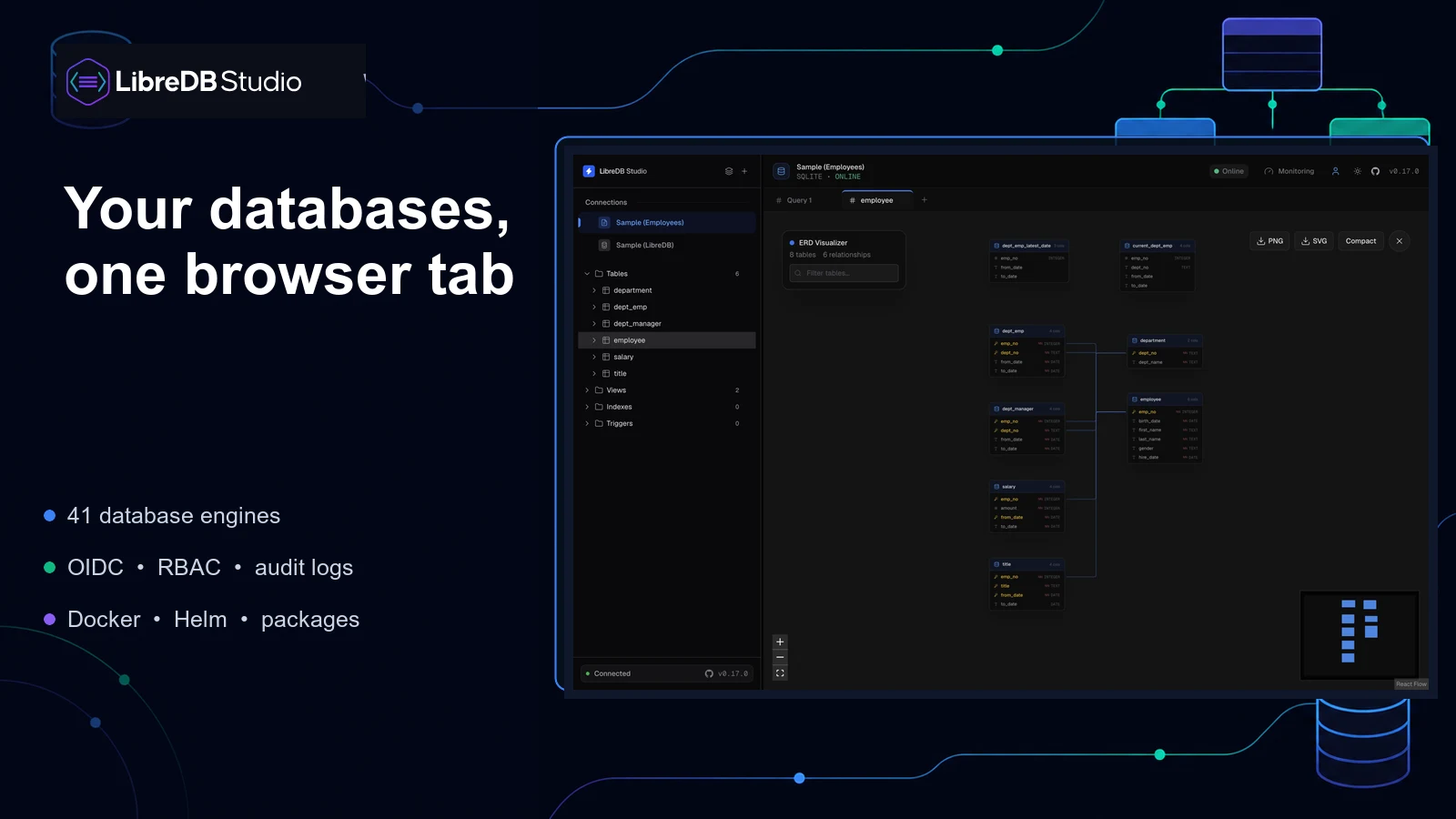
LibreDB Studio is a browser based database IDE that you run beside your databases. It gives your team one web interface for querying data, inspecting schemas, drawing relationship diagrams and managing connections across 41 database engines. Supported systems include PostgreSQL, MySQL, MongoDB, Redis, Oracle, SQL Server, ClickHouse and several graph, document and time series databases.
Running the interface on your own network can reduce the need for desktop database clients, individual SSH tunnels and credentials stored across employee laptops. Team controls include OIDC authentication, role based access, query audit logs and column masking. These features are included in the free MIT licensed build. You can deploy it with Docker or Helm, with desktop and operating system packages also available.
Security configuration matters. The default browser storage mode keeps database passwords and SSH private keys unencrypted in local storage. Teams handling sensitive data should use the server storage option, which encrypts stored credentials, and place LibreDB Studio behind HTTPS on a private network or VPN. Database accounts should have only the permissions their users need. The project supports its latest release rather than maintaining older versions with security backports.
LibreDB Studio suits homelabs and small teams that work across several database systems and want shared access controls without buying a commercial database IDE.
Use Cases
Specific ways to use LibreDB Studio for your workflow.
Deployment Strategy
Recommended ways to host LibreDB Studio in your own environment.