mvmOS
mvmOS adds a browser desktop to your Linux server, combining terminal access, file management, administration tools and shared applications through separate user accounts
Overview
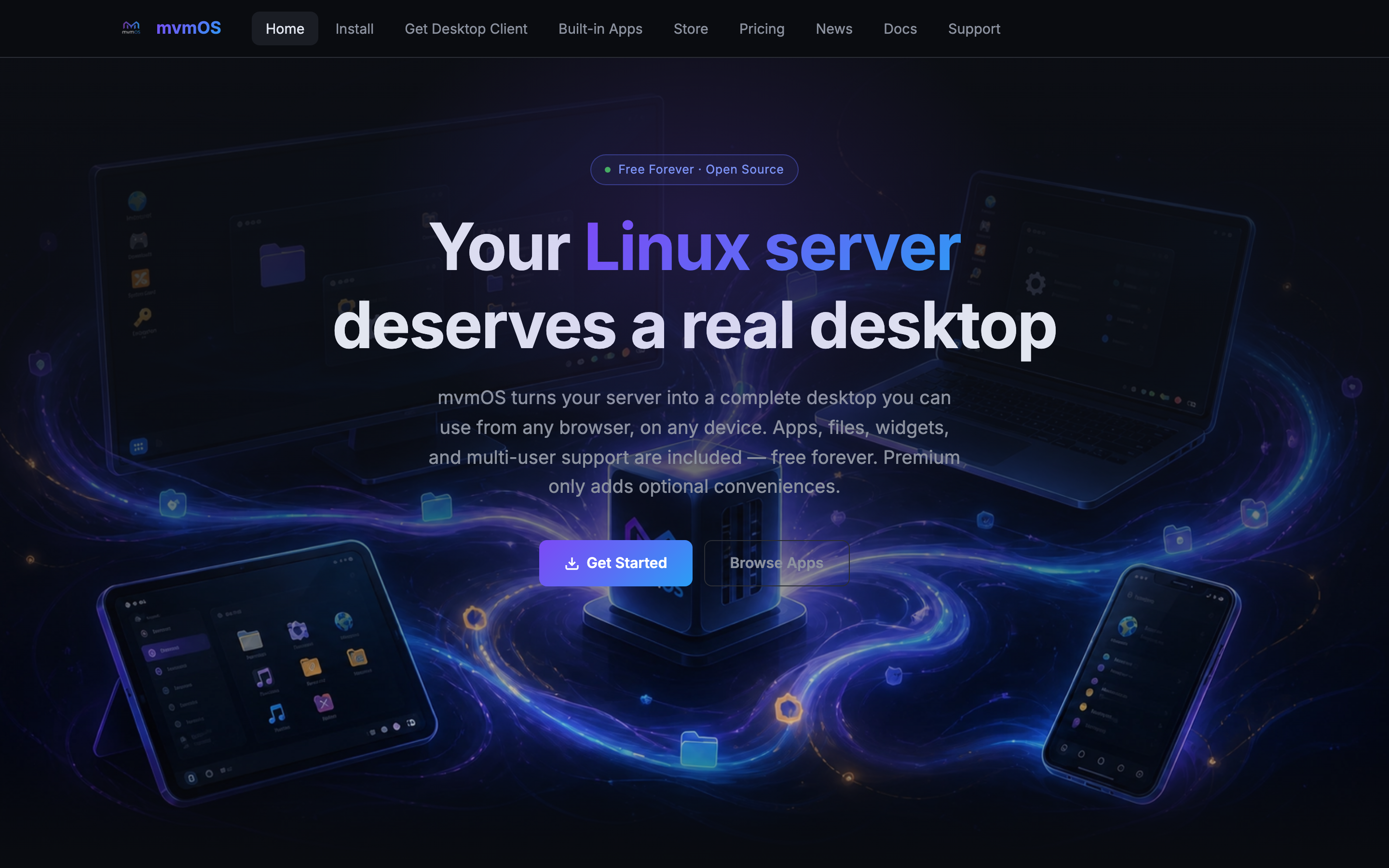
mvmOS gives your Linux server a browser desktop with windows, a taskbar and tools for working on the machine. You can open a terminal, move files, edit code and check CPU, memory and disk usage without leaving the page. It suits a home server or a small team’s VPS when you want graphical controls alongside command line access.
The desktop uses your existing Linux account. Administrators can manage services, scheduled jobs, users and nginx sites, while the app store adds tools such as calendars, budgets, chat and RSS readers. Apps Hub lets other people use selected public apps through separate accounts without giving them a Linux login.
Installation requires Linux with systemd, Python 3.10 or newer, and administrator access. The installer sets up a Python environment and a system service. The core is free under the AGPL licence; optional Premium subscriptions add selected capabilities across the platform and its apps.
mvmOS remains in beta, so test it before trusting it with important workloads. Its terminal controls the real server, and the service runs as root. For access over the internet, use HTTPS, restrict the backend port and enable two factor authentication.
Deployment Strategy
Recommended ways to host mvmOS in your own environment.