Runquay
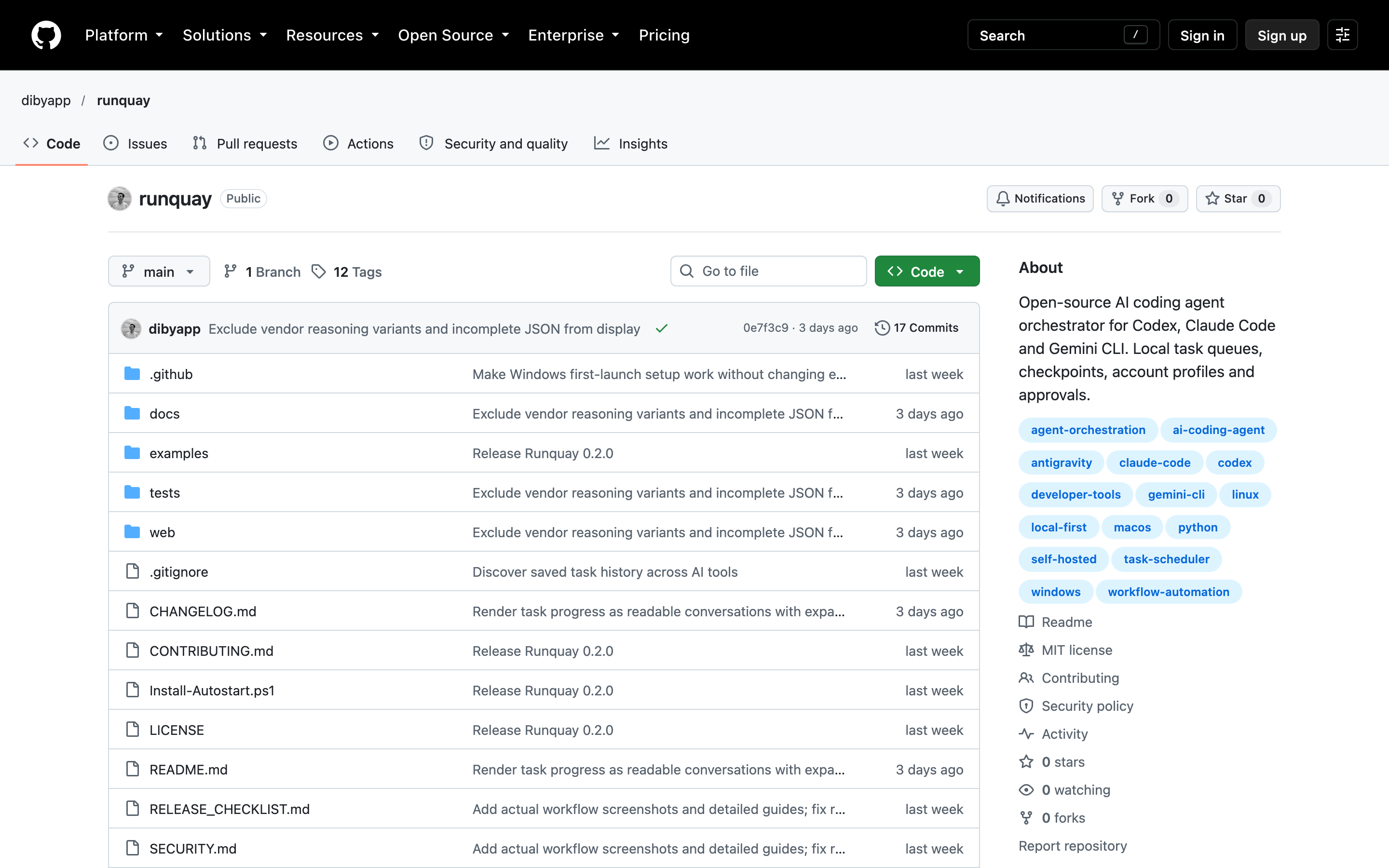
Runquay queues AI coding tasks on your own computer, with a browser dashboard, project checkpoints, account profiles and approvals for supported coding tools
Overview
Runquay puts a local task queue around AI coding tools such as Codex, Claude Code and Gemini CLI. You describe a project goal, choose the tool and review progress through a browser dashboard. Tasks move through bounded milestones, with checkpoints that preserve the next step when work pauses.
You can connect existing repositories, prioritise queued work and inspect commands and results in readable task conversations. The queue runs one worker at a time. Account profiles, approvals and saved logs help you manage work across projects without keeping every task in a separate terminal window.
Runquay needs Python 3.11 or newer, Git and a supported coding CLI with its own authentication. It runs on your computer, stores state in SQLite and has optional startup services. There is no official Docker image. The software is free under the MIT licence, but the coding tools retain their own subscriptions, usage limits and possible charges.
This is a local application for one user. Keep the dashboard on localhost rather than exposing it through a proxy or tunnel. Project context still goes to the selected AI provider, and generated changes need your review. Integration coverage varies: Codex has documented live execution testing on Windows, while other adapters have narrower verification and additional approval requirements.
Deployment Strategy
Recommended ways to host Runquay in your own environment.